TV, monitor and audio repair shop software
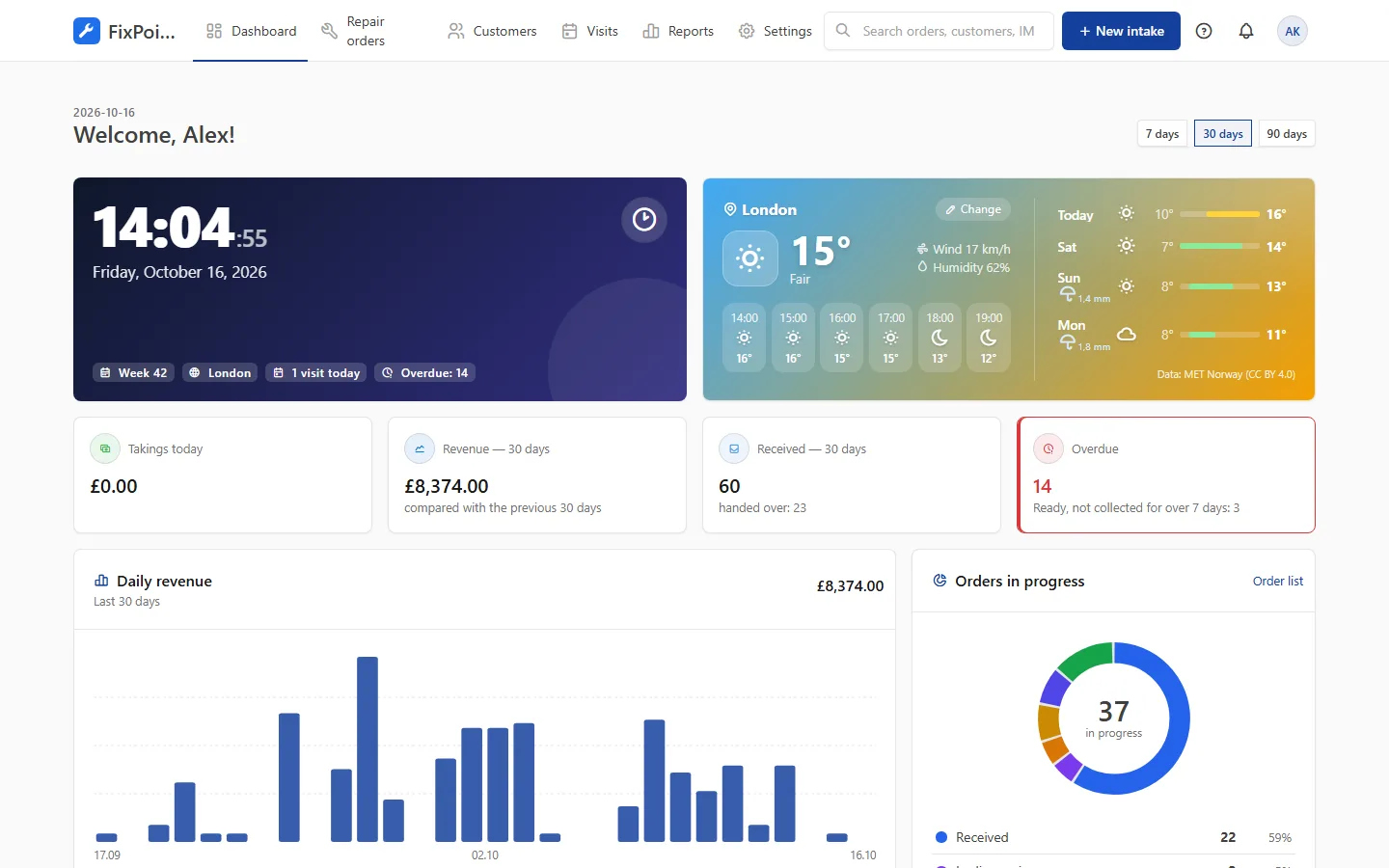
Workshop and in-home repairs in one system. Visit calendar, waiting for parts and pickup notifications — all under control.
- On-site visits in a calendar
- Travel cost on the order
- Waiting-for-parts status
How the system helps TV repair shops
Visit calendar
A weekly plan for technicians with address and time, plus a reminder for the customer.
Travel to customers
Travel cost added to the order and an address ready for navigation on the phone.
Waiting for parts
A separate status with a due date — see which repairs are stuck and why.
TV categories
Ready fields for TVs: screen size, panel number and serial number — add your own if needed.
Customer updates
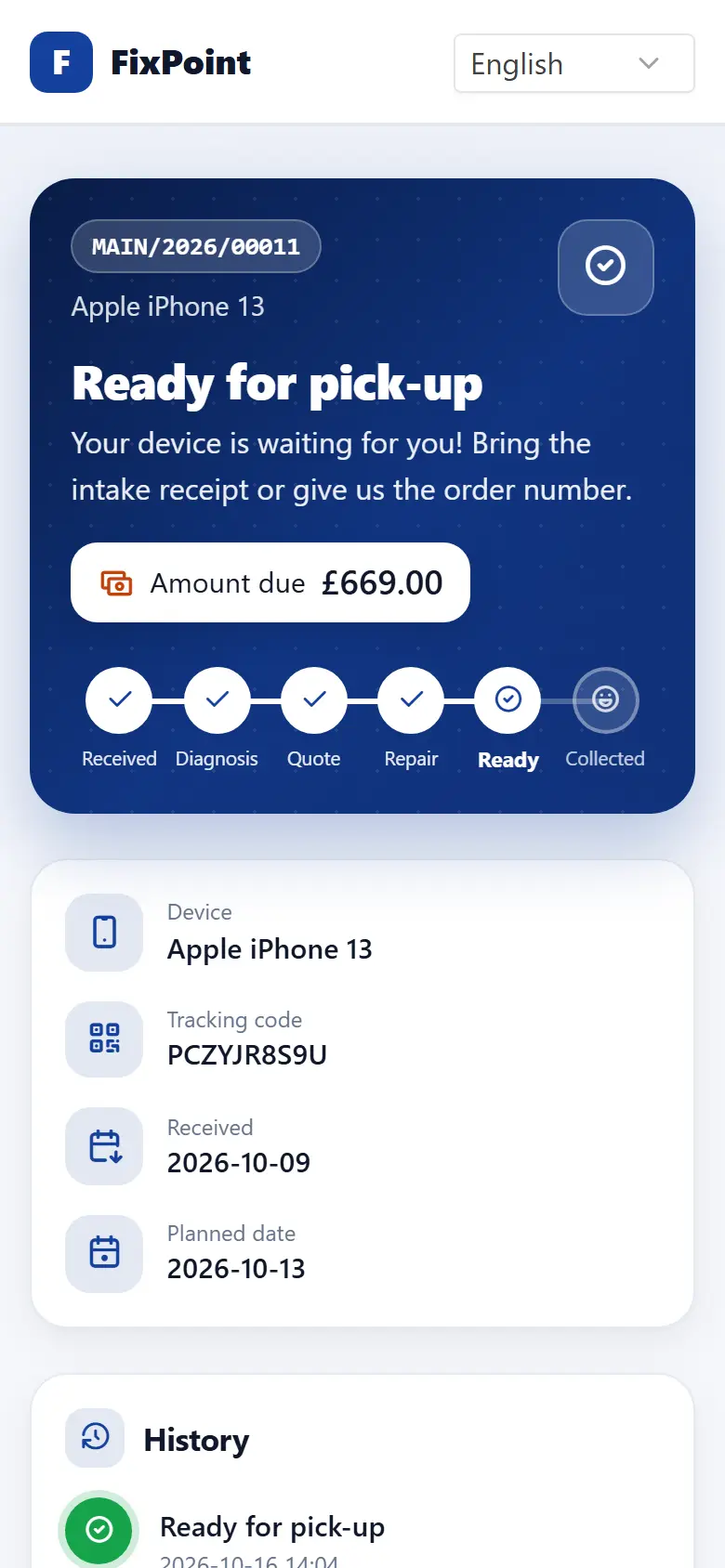
Messages about the quote, readiness and pickup reminders for bulky equipment.
Warranty and paid
Repair type on every order: manufacturer warranty, statutory warranty or paid repair.
Frequently asked questions
Can I handle repairs at the customer’s home?
Yes. Schedule a visit in the calendar, the technician sees the address and time, and the travel cost goes on the order.
How does the customer learn the TV is ready?
An email goes out after the status change, and you send the SMS with one tap from your phone. Customers can also check the status online.
Can I run warranty repairs?
Yes. Choose the repair type at intake and record manufacturer repairs with their claim number.
Get your repair shop organised today
Create an account, go through a short setup wizard and take in your first device within minutes. No installation needed.